You can download the mobile application in just a few easy steps! Please see below for the IOS and Android options.
IOS:
First: Click the share button as seen in the screenshot.
Next: Click "Add to home screen".
Finally: Click "Save".
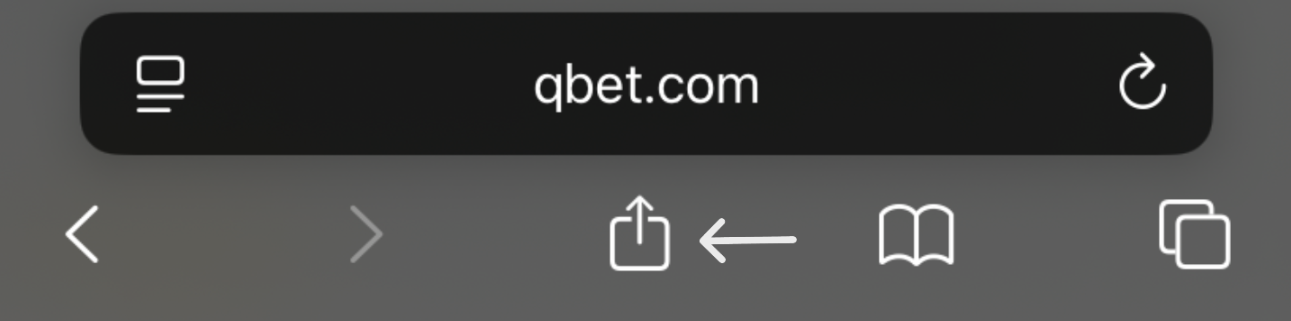


Now, the application is on your device!
Android:
First: Click the options menu as seen in the screenshot.
Next: Click "Add to Home screen". On some devices, you may see "Add page to...", and then the option for "Home Screen".
Finally: Confirm to add the app.


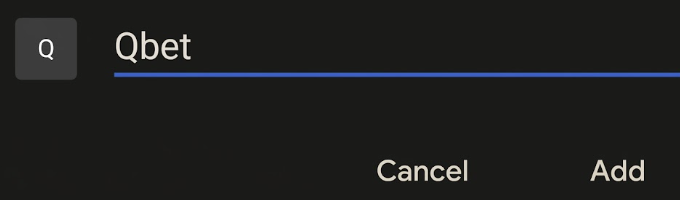
Now, the application is on your device!